
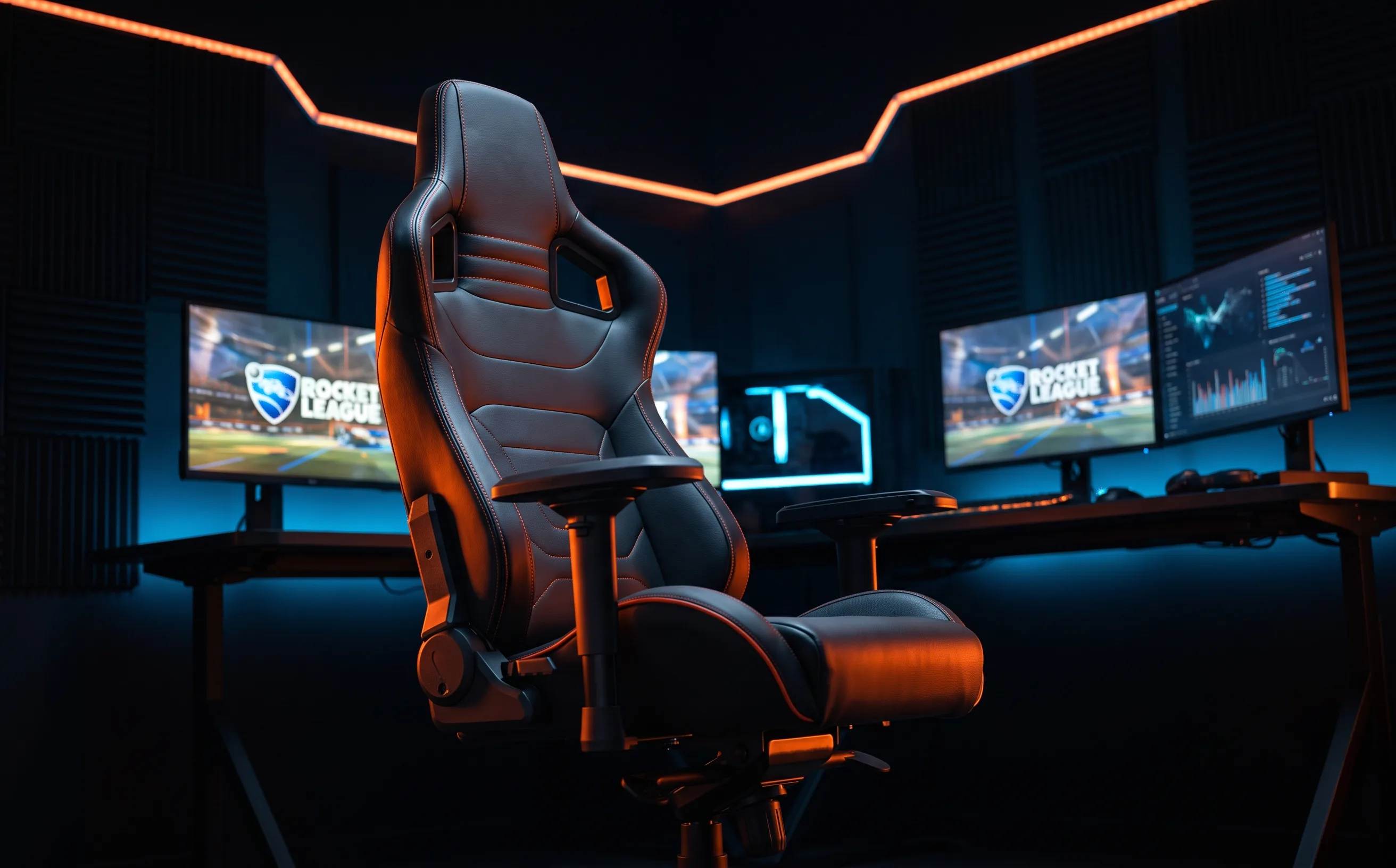
Secretlab Titan Evo Gaming Chair Review
A real ergonomic upgrade for multi-hour sessions, but this is a comfort investment, not a mechanical skill upgrade. Know what you're buying.
We’re going to be direct about this one: a chair doesn’t teach you to air dribble. What it does is remove physical fatigue as a factor in a long ranked grind session, and for players putting real hours in, that’s a legitimate, if often overlooked, performance variable.
Lumbar support is the actual reason to spend this much
The built-in adjustable lumbar support held up noticeably better over 3+ hour sessions than a standard office chair in our comparison: less lower-back tension by the end of a long grinding session translates to staying focused longer instead of tilting because your back hurts, which is a real (if unglamorous) factor in late-session mistakes.
4D armrests actually matter for controller and keyboard play differently
Being able to independently adjust armrest height, depth, width, and pivot means you can genuinely dial in a different position for controller play (arms closer, more relaxed) versus keyboard-and-mouse (often wider, flatter for wrist support). Fixed armrests can force a compromise position that does not suit either input well.
Wrist support: what the Titan Evo does (and doesn’t) provide
The Titan Evo has no built-in wrist brace, and that’s not a missing feature. Its useful wrist-related adjustment is the 4D armrest: set it high enough that your forearms are supported without lifting your shoulders, then bring it in close for controller play. At a keyboard, the goal is a level, relaxed wrist with the forearm carrying the support—not a hard edge pressing into the heel of your hand.
For controller players, a separate wrist brace usually adds very little. Your hands are holding the controller rather than resting on a desk, so the bigger wins are a chair height that lets your elbows stay comfortably near your sides, shoulders that can drop, and enough back support to stop you leaning forward. A brace can make sense for a specific diagnosed issue or persistent pain, but it is not a normal Titan Evo accessory and it is not a Rocket League upgrade.
Wrist support: what the Titan Evo does (and doesn’t) provide
The Titan Evo has no built-in wrist brace, and that’s not a missing feature. Its useful wrist-related adjustment is the 4D armrest: set it high enough that your forearms are supported without lifting your shoulders, then bring it in close for controller play. At a keyboard, the goal is a level, relaxed wrist with the forearm carrying the support—not a hard edge pressing into the heel of your hand.
For controller players, a separate wrist brace usually adds very little. Your hands are holding the controller rather than resting on a desk, so the bigger wins are a chair height that lets your elbows stay comfortably near your sides, shoulders that can drop, and enough back support to stop you leaning forward. A brace can make sense for a specific diagnosed issue or persistent pain, but it is not a normal Titan Evo accessory and it is not a Rocket League upgrade.
The magnetic head pillow is a small detail that works
Some strap-on head pillows slide out of position during a session. The magnetic attachment stayed put through extended reclined use without needing readjustment, a minor thing, but the kind of detail that either works invisibly or annoys you constantly, and this one works.
The honest tradeoff: this is comfort, not skill
We want to be clear: nothing about this chair will improve your air dribble consistency or your rank-climbing rotation habits (see our rank-climbing guide for what actually does that). What it buys is reduced physical fatigue over long sessions, which indirectly supports better focus and decision-making late in a grind: a real but secondary benefit, not a primary one.
Who should buy this
Players regularly putting 2+ hour sessions in who’ve noticed physical discomfort affecting their focus late in a session. If you play in shorter bursts or you’re on a tight gear budget, this is the lowest-priority item on the list: a controller upgrade or a monitor upgrade will move your actual gameplay more directly. Spend here last, not first.