SLF LIVE
  • Guides written by players who still lose games
  • No sponsored scores. Ever.
  • Demo timing guide is up, read it before you go for the bump
  • Gear picks: controller + KBM only. A racing wheel is not RL gear
  • Every setting on this site is one we actually run
  • Club roster: 2 humans, 1 questionable team name
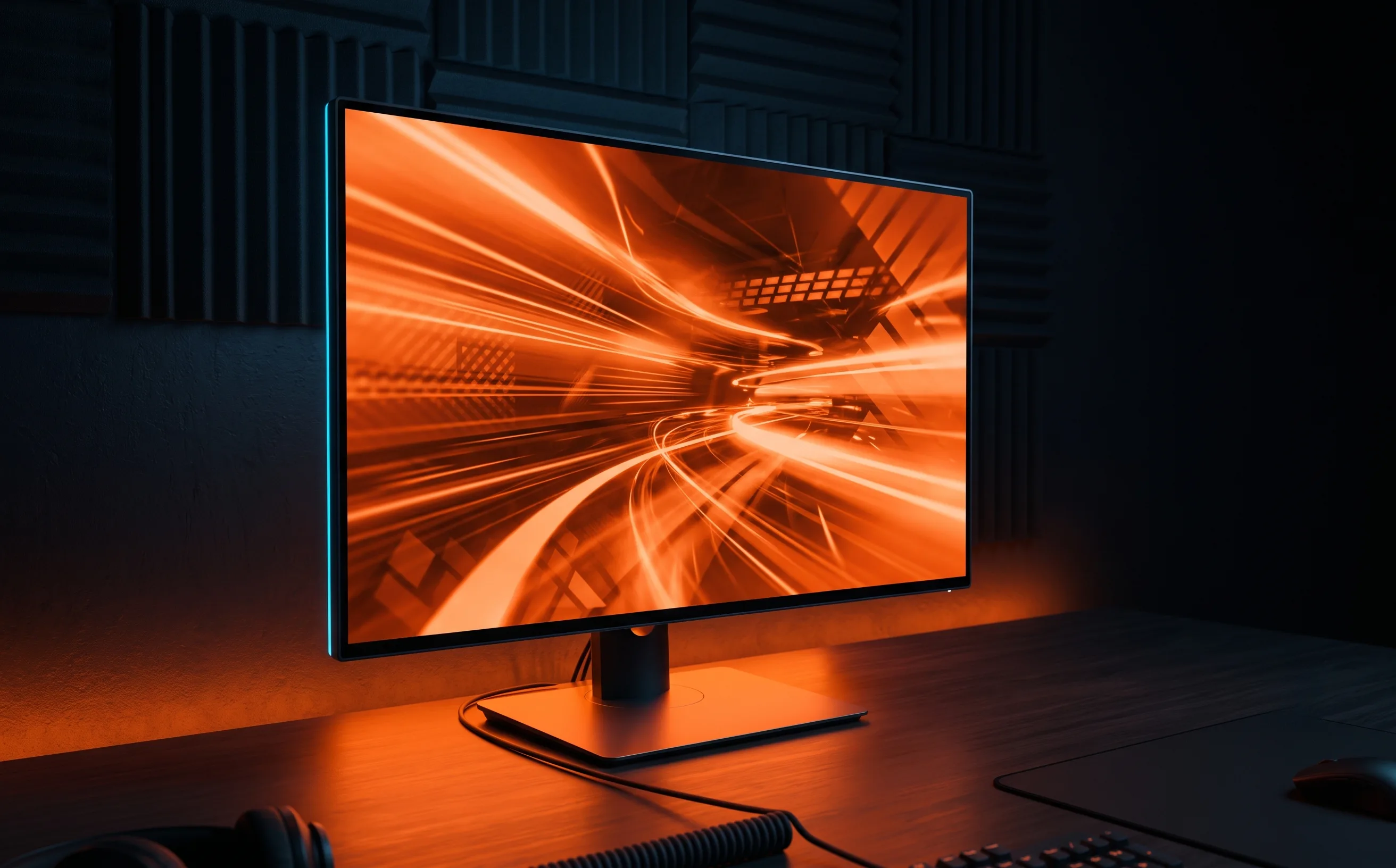
A slim gaming monitor glowing with arena light on a dark desk

Buying guide · 1 tested, 5 catalog

Best monitor
for Rocket League.

Of all the gear upgrades, refresh rate is the one with the clearest effect on play: more frames of a ball’s arc means more information about where it’s going. Resolution, curves and OLED come after that, and they cost a lot more.

Real talk: If you’re on 60Hz and aerial reads feel like guesswork, a high-refresh monitor is the most defensible thing on this site to buy. If you’re already on 144Hz+, the next jump is real but smaller, and it won’t fix a single rotation.

Not sure it’s the hardware? Run is it your gear or is it you first. Fifteen minutes, and it’s usually cheaper than anything below.

Quick picks

The short answer

Pick forGearOur score
Best budget upgrade from 60HzKTC H25T7-A 24.5" 240Hz Gaming Monitor8.2/10

Before you buy

What actually matters

  1. Refresh rate first

    60Hz to 144Hz or more is the jump you feel on day one: fast camera swivels, aerial tracking and reading spin off a wall. 144Hz to 240Hz is real but smaller. Prioritise refresh rate over every other spec on this page.

    Camera settings guide →
  2. Your PC has to keep up

    A 240Hz panel only shows 240 frames if your machine renders them. Adaptive sync (FreeSync or G-Sync) smooths out tearing when your frame rate dips below the panel’s refresh rate, which is a real quality-of-life fix on lower-end GPUs.

  3. Panel type: IPS over TN, OLED if you’re spending big

    Budget high-refresh monitors used to lean on TN panels, which cost color and viewing angle. IPS keeps colors consistent slightly off-center. OLED and 4K are premium territory: lovely, and well past what you need to read a ball.

  4. Size and resolution go together

    1080p is the right pixel density at around 24–25″. Bigger screens want higher resolution, and high resolution plus high refresh is where prices climb fast.

Tested by us

The picks, with the catch

Best budget upgrade from 60Hz8.2/10

KTC H25T7-A 24.5" 240Hz Gaming Monitor

240Hz IPS with FreeSync at 24.5″ 1080p. The stand is tilt-only, and the brand has a shorter track record, so check the return policy.

For Genuine 240Hz refresh with 1ms MPRT response: smooth aerial and fast-camera tracking

Catch 1080p resolution: fine at 24.5" but not a fit if you want higher pixel density

Catalog, not tested

Also on the shelf

We list these because they fit the criteria on paper. We haven’t had them in hand, so there’s no score and no verdict: check them against the list above, and check the listing before you buy.

  • ASUS ROG Strix XG32UCWG 32-inch 4K 165Hz OLED Gaming MonitorA 32″ 4K OLED monitor at 165Hz.
    Amazon →
  • Acer Nitro VG270K L1 27-inch 4K IPS Gaming MonitorA 27″ 4K IPS monitor at 144Hz with FreeSync.
    Amazon →
  • MSI MAG 322URDF E16 32-inch 4K Gaming MonitorA 32″ 4K monitor listed at 320Hz with FreeSync.
    Amazon →
  • Samsung Odyssey G7 G75F 40-inch WUHD 180Hz Curved Gaming MonitorA 40″ curved WUHD panel at 180Hz with FreeSync.
    Amazon →
  • ASUS ROG Swift PG32UCDM 32-inch 4K 240Hz OLED Gaming MonitorA 32″ 4K QD-OLED panel at 240Hz with G-Sync. Premium territory.
    Amazon →

Buy when

  • You’re on a 60Hz or 75Hz screen
  • Aerial reads feel late even when your positioning is right
  • Your PC already renders well above 60 fps

Don’t buy when

  • You’re already on 144Hz+ and hoping for a rank jump
  • Your losses are counter-attack goals: that’s rotation
  • Your PC can’t render the frames the panel would show

Questions people actually ask

What refresh rate do you need for Rocket League?

144Hz or more is where the difference shows up in aerial reads and fast camera movement. 60Hz to 144Hz is the big jump; 144Hz to 240Hz is real but smaller.

Will a 240Hz monitor raise my Rocket League rank?

It makes fast aerial reads easier. It will not fix your rotation. If most goals against you are counter-attacks, a monitor changes nothing.

Is 1080p fine for Rocket League?

Yes, at around 24–25 inches. It also makes high frame rates easier for your PC to hit, which matters more for play than extra pixels.