SLF LIVE
  • Guides written by players who still lose games
  • No sponsored scores. Ever.
  • Demo timing guide is up, read it before you go for the bump
  • Gear picks: controller + KBM only. A racing wheel is not RL gear
  • Every setting on this site is one we actually run
  • Club roster: 2 humans, 1 questionable team name
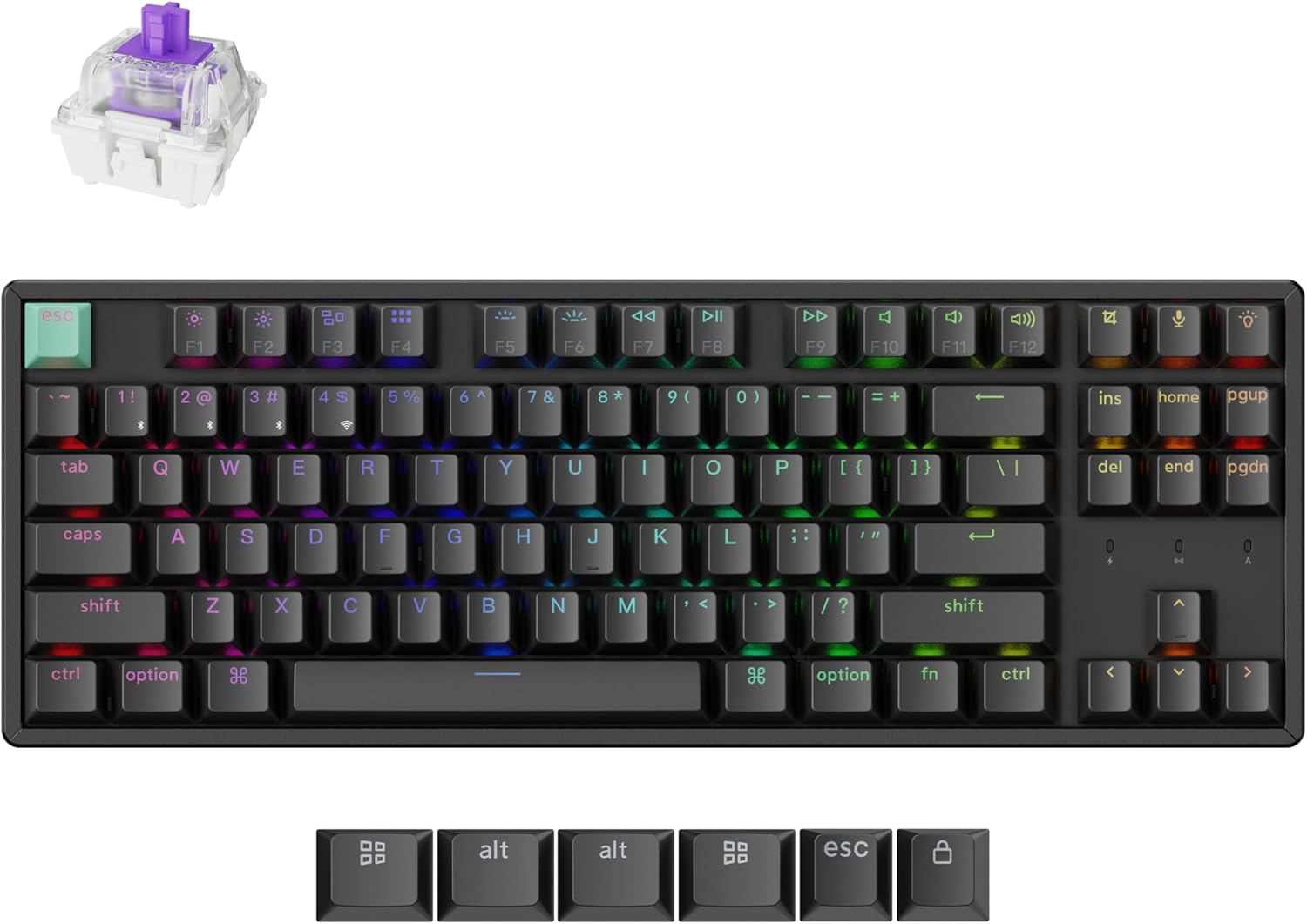
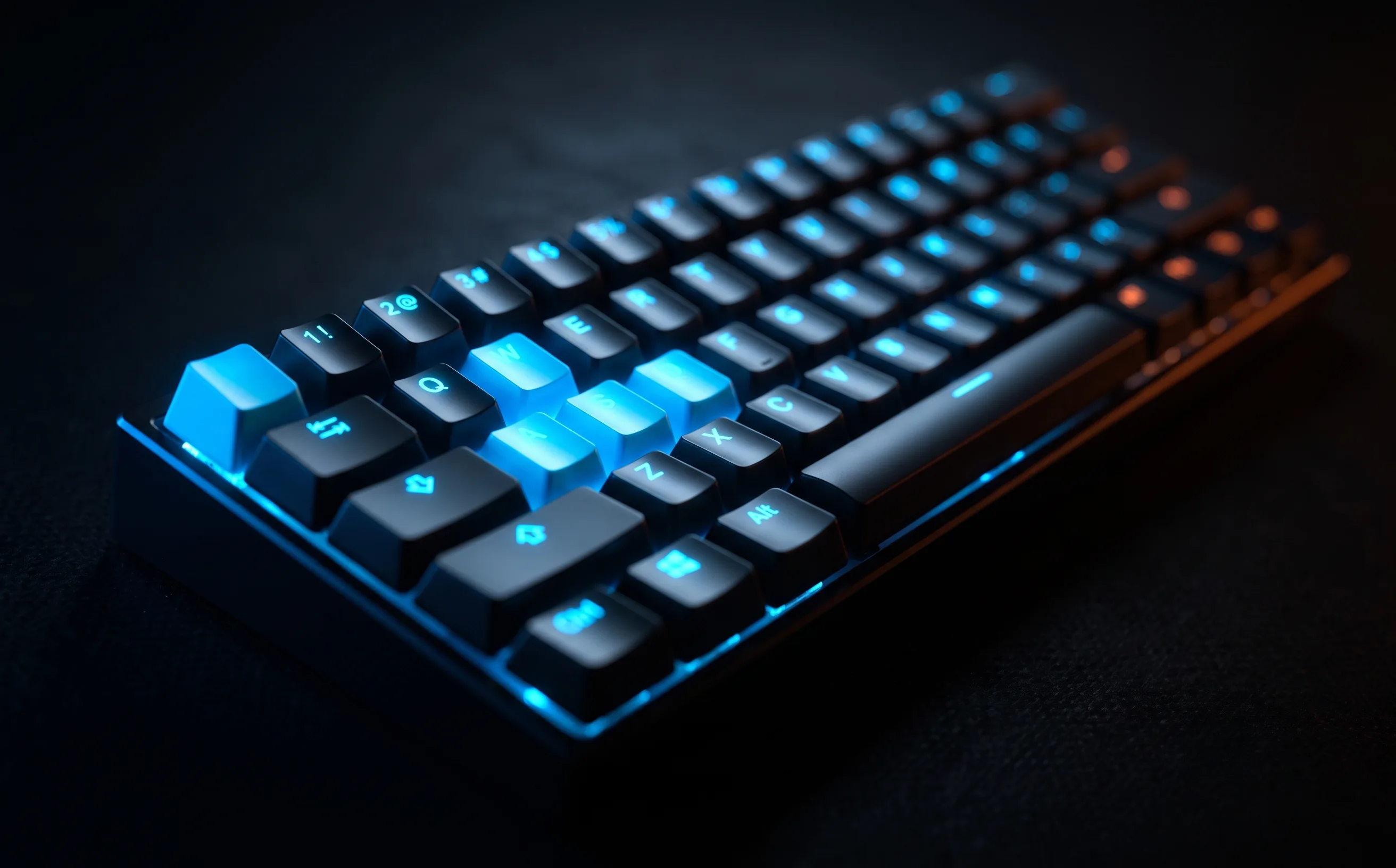
A compact 60% gaming keyboard under hard orange light on a dark desk

Buying guide · 2 tested, 5 catalog

Best keyboard & mouse
for Rocket League.

On keyboard and mouse, jump, boost and powerslide are keys you hit dozens of times a match under real time pressure, and the mouse is your camera. That’s what to buy for. Everything else is RGB.

Real talk: Any keyboard and any decent gaming mouse gets you fully competitive. Adjustable actuation and a sub-60g mouse are real refinements, not rank. And if you’re thinking of switching inputs because you’re stuck, you’re not stuck on your input.

Not sure it’s the hardware? Run is it your gear or is it you first. Fifteen minutes, and it’s usually cheaper than anything below.

Quick picks

The short answer

Pick forGearOur score
Best keyboard we’ve testedSteelSeries Apex Pro Mini Wireless Keyboard8/10
Best mouse we’ve testedLogitech PRO X Superlight 2 Wireless Gaming Mouse8.6/10

Before you buy

What actually matters

  1. Actuation on the keys that matter

    Jump and boost are the keys where response time shows up. Adjustable-actuation boards (magnetic or Hall-effect switches) let you set those two to register on a light press. Set them once and stop tuning; per-key actuation is a rabbit hole.

    Apex Pro Mini review →
  2. A layout that leaves mouse room

    A 60% or TKL board shrinks the footprint so your mouse hand travels less on fast camera swipes. The tradeoff is losing dedicated arrow and function keys, which matters if you use them for chat presets.

  3. Mouse weight scales with your sensitivity

    Less mass is less wrist fatigue and steadier fast direction changes, but only if you make wide, fast swipes. If your camera sensitivity is already low, a lighter mouse buys you less.

    Superlight 2 review →
  4. Leave the stick sliders alone

    Deadzone and dodge deadzone act on analog stick travel. Keys are on or off, so those sliders aren’t your problem on KBM. Bindings are: put directional air roll on its own keys and never move boost or jump.

    Controller vs keyboard & mouse →

Tested by us

The picks, with the catch

Best keyboard we’ve tested8/10

SteelSeries Apex Pro Mini Wireless Keyboard

Per-key adjustable actuation: set jump and boost to the lightest press and leave the rest alone. The 60% layout keeps your mouse hand closer.

For Adjustable per-key actuation point: set critical keys (jump, boost) to trigger on the lightest press

Catch Expensive for a 60% board: you're paying for the adjustable-actuation tech specifically

Best mouse we’ve tested8.6/10

Logitech PRO X Superlight 2 Wireless Gaming Mouse

Under 60 g with a sensor that tracks fast, erratic camera swipes cleanly. Matters most if your camera sensitivity is high.

For Sub-60g weight is immediately noticeable versus a standard wireless mouse, less wrist fatigue over long sessions

Catch Wireless design and low weight may matter less if you mostly play on a desk with little mouse movement

Catalog, not tested

Also on the shelf

We list these because they fit the criteria on paper. We haven’t had them in hand, so there’s no score and no verdict: check them against the list above, and check the listing before you buy.

  • Keychron K8 HE TKL Wireless Hall Effect KeyboardA TKL wireless keyboard with Hall-effect switches and rapid trigger.
    Amazon →
  • Keychron C2 Full-Size Wired Mechanical Keyboard — RetroA wired full-size mechanical keyboard with red switches.
    Amazon →
  • Keychron C3 Pro QMK/VIA TKL Mechanical KeyboardA wired TKL mechanical keyboard with QMK/VIA remapping.
    Amazon →
  • Keychron C2 Full-Size Wired Mechanical Keyboard — White BacklightA wired full-size mechanical keyboard with brown switches and a white backlight.
    Amazon →
  • Keychron V6 Max Wireless QMK Full-Size Mechanical KeyboardA full-size wireless mechanical keyboard with hot-swappable switches and QMK.
    Amazon →

Buy when

  • You’re committed to KBM and jump/boost response is the bottleneck
  • Your board is so wide your mouse hand is cramped
  • Your mouse is heavy and you play high camera sensitivity

Don’t buy when

  • You play on controller: none of this applies
  • You’re about to switch inputs because you’re stuck
  • You want more macro buttons: Rocket League doesn’t need them

Questions people actually ask

What is the best keyboard for Rocket League?

Of what we’ve tested, the SteelSeries Apex Pro Mini, because adjustable actuation lets jump and boost register on a light press. Any keyboard is competitive, though. The upgrade is a refinement, not a requirement.

Is a 60% keyboard better for Rocket League?

It gives your mouse hand more room for fast camera swipes. You lose dedicated arrow and function keys, which matters if you use them for chat presets or menus. A TKL board is the middle ground.

Does mouse weight matter in Rocket League?

If you play keyboard and mouse with a high camera sensitivity, yes: a lighter mouse means less fatigue and steadier fast swipes. At low sensitivity the benefit shrinks.

Should I switch from controller to keyboard and mouse?

Only if you have a reason beyond being stuck. Neither input is a rank ceiling, and a switch costs weeks of muscle memory. Read our controller vs keyboard and mouse breakdown before you buy anything.