
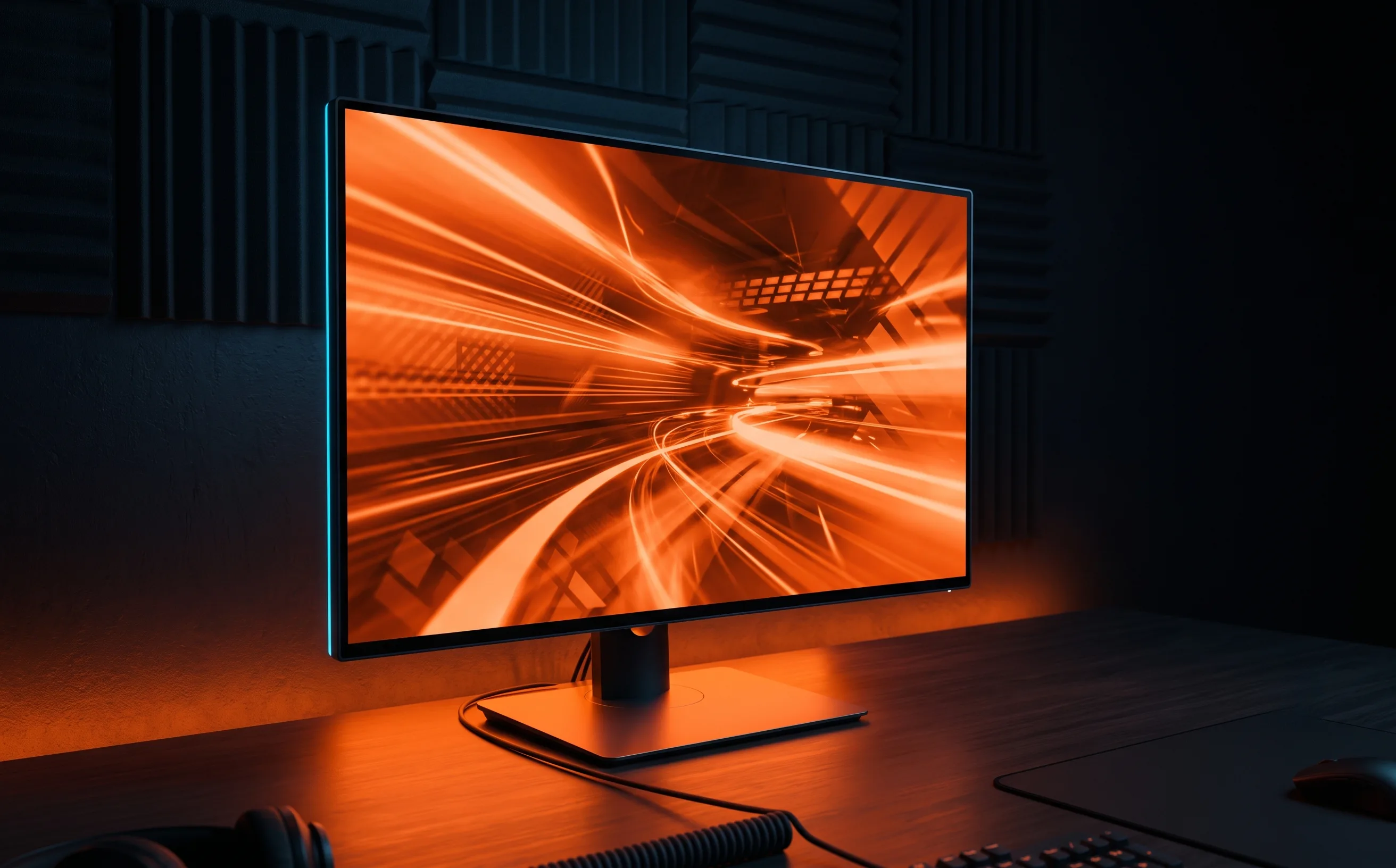
KTC H25T7-A Review: A Budget 240Hz IPS Monitor That Delivers
The best budget upgrade from 60Hz we've tested: 240Hz IPS with adaptive sync at a price that doesn't require justifying it to yourself.
The jump from 60Hz to a genuine 240Hz panel is one of the few gear upgrades that changes how the game actually feels to play, not just how it looks. The KTC H25T7-A gets you there without the price tag of the bigger-name 240Hz monitors.
The refresh-rate jump is not subtle
Going from 60Hz to 240Hz means the game shows you roughly four times as many frames per second of motion information, most noticeable during fast camera swivels, aerial tracking, and reading a ball’s spin off a fast wall hit. In side-by-side testing against a 60Hz panel, tracking a fast-moving ball during an aerial felt meaningfully smoother and easier to judge distance on. This isn’t placebo; it’s a real reduction in motion blur between frames.
IPS over TN matters more than people think
Budget 240Hz monitors have historically leaned on TN panels to hit the price point, with a real cost in color accuracy and viewing angle. This being an IPS panel at 240Hz for a budget price is the actual notable spec here: colors stay consistent even viewed slightly off-center, which matters more than it sounds like for reading ball trajectory against a stadium background.
Adaptive sync does what it’s supposed to
FreeSync support reduces screen tearing during the fast, erratic camera movement Rocket League produces during 50/50s and quick direction changes. It’s not a night-and-day difference if you’re already running well above your monitor’s refresh rate, but it’s a real quality-of-life improvement, especially on lower-end GPUs that might dip below 240fps under load.
Where the budget shows
The stand is basic: tilt adjustment only in the base configuration, no height or swivel without a separate VESA mount. And 1080p at 24.5” is the right pixel density for this size but won’t satisfy anyone specifically wanting higher resolution alongside high refresh rate; that combination costs meaningfully more across the market, not just from this brand.
Who should buy this
Anyone currently on a 60Hz or 75Hz monitor is the clearest upgrade case: see our camera settings guide for how refresh rate interacts with camera swivel speed and aerial tracking. If you’re already on a 144Hz+ panel, the jump to 240Hz is real but smaller than the 60-to-144 jump; prioritize this only if budget allows without sacrificing elsewhere.
Buying guideBest monitor for Rocket League.How this stacks up against everything else we’ve tested, and what actually matters before you buy.