
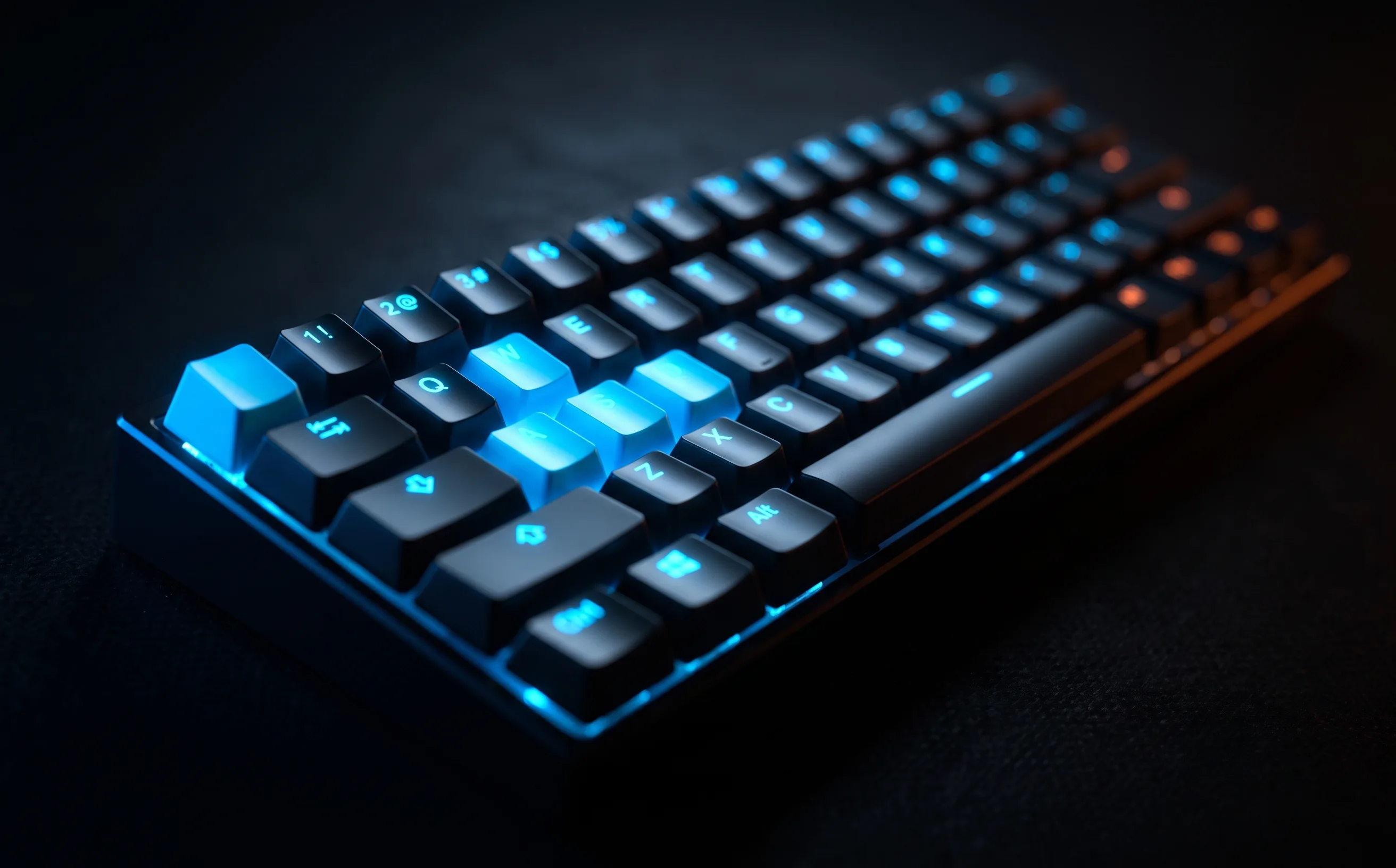
SteelSeries Apex Pro Mini Review
A genuine upgrade for keyboard-and-mouse players who want faster, tunable key response. Overkill if you're on controller.
For keyboard-and-mouse Rocket League players, key response speed matters in a way it doesn’t for most other games: jump, boost, and powerslide are all bound to keys you’re pressing dozens of times per match under real time pressure. The Apex Pro Mini’s adjustable-actuation switches are a direct answer to that.
Adjustable actuation is the actual selling point
Unlike standard mechanical switches with a fixed actuation point, OmniPoint magnetic switches let you set how far a key needs to travel before it registers, down to a very light press for keys where you want instant response. Setting jump and boost to their lightest actuation setting produced noticeably faster registered input in our testing versus a standard mechanical board’s fixed actuation point. This isn’t a subtle difference once you’re used to it.
60% layout: a real ergonomic upgrade, with a real tradeoff
Losing the number pad, function row, and arrow keys shrinks the board’s footprint, which means less mouse-hand travel during fast camera swipes, genuinely useful for aim-heavy play. The tradeoff is losing dedicated arrow keys and easy access to F-keys, which matters if you use them for chat presets or menu navigation. Most players adapt within a week, but it’s a real adjustment, not a non-issue.
Wireless latency holds up
SteelSeries’ 2.4GHz wireless connection didn’t introduce any perceptible input lag versus wired in our sessions, a real concern with wireless keyboards historically, largely resolved here.
The actuation tuning trap
Adjustable actuation is genuinely useful, but it’s also easy to spend more time tuning per-key sensitivity than actually playing. Our advice: set jump and boost to a light actuation point, leave everything else at a moderate default, and don’t revisit it for a couple weeks. Chasing a “perfect” setting for every key is a rabbit hole with diminishing returns.
Who should buy this
Keyboard-and-mouse players (see our controller vs. keyboard and mouse guide) who are serious enough about the input to want faster key response on jump and boost specifically. If you’re on controller, this doesn’t apply to you at all. Look at our controller reviews instead. If you’re keyboard-and-mouse but casual, a standard mechanical board is a perfectly fine, much cheaper starting point.
Buying guideBest keyboard & mouse for Rocket League.How this stacks up against everything else we’ve tested, and what actually matters before you buy.